
Chess Position Solver
Upload a screenshot or photo of a chess position. Get the FEN, a Stockfish evaluation and an AI explanation, ideal for puzzles, game review and chess books.
Click here or drag & drop an image
PNG, JPG, WEBP, or paste an image with Ctrl+V. The board is read in your browser when possible, so your image usually stays on your device. If that does not work, it is analyzed on our server.
How to Use Chess Solver
Follow these 4 simple steps to extract board positions, calculate moves, and analyze games.
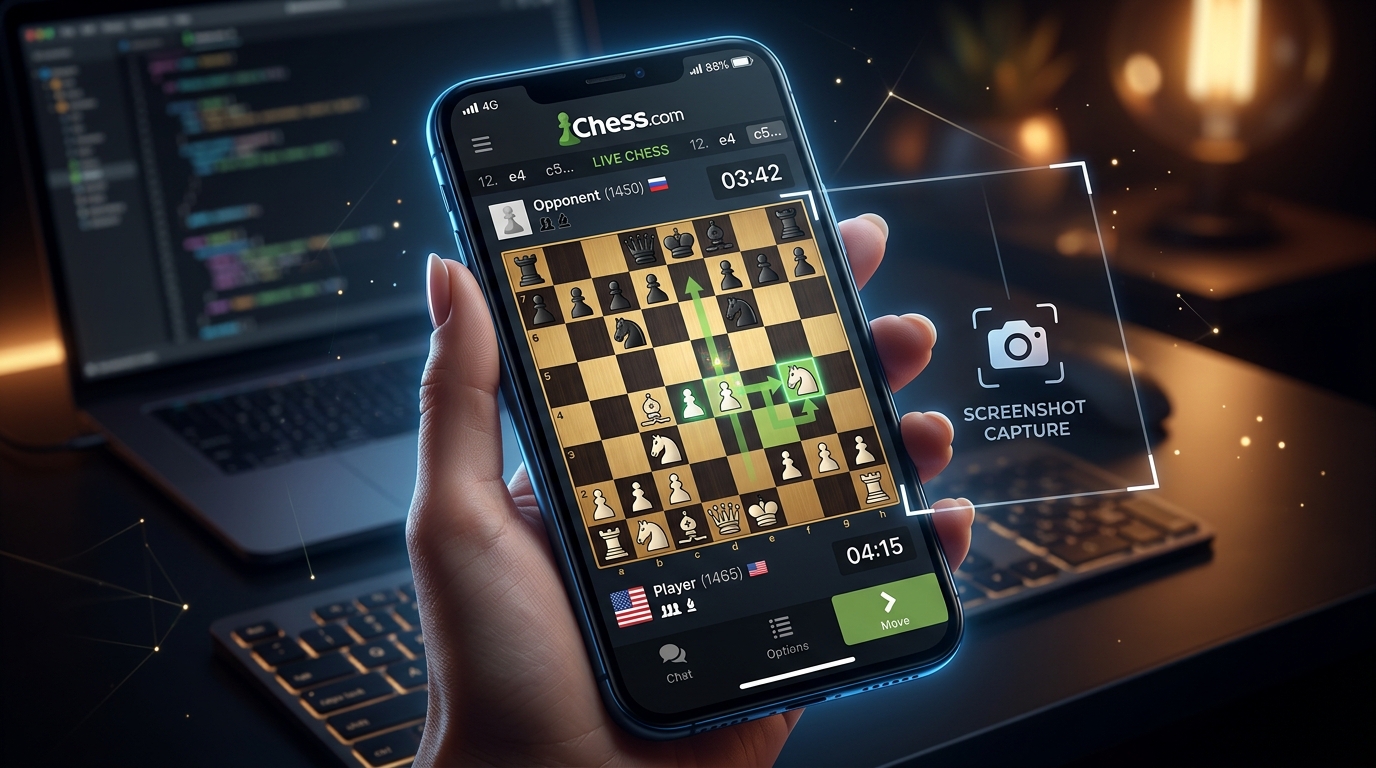
Capture a Position
Take a screenshot of a finished game, a puzzle, a chess book diagram or a video, or snap a photo of a board. Make sure the entire 8×8 chessboard is clearly visible.
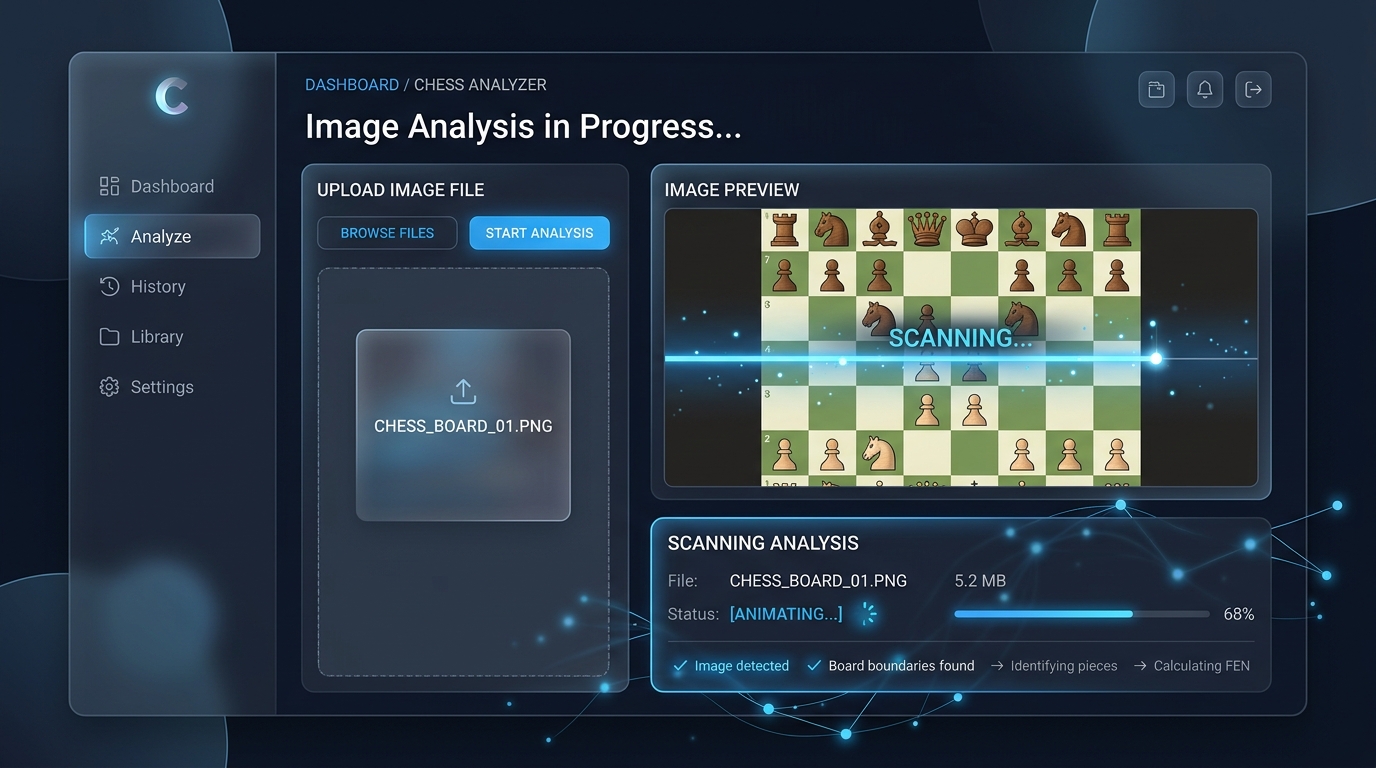
Upload & Wait for Results
Upload or drag & drop the screenshot into the drop area above. The computer vision engine will automatically detect the board, identify pieces, and calculate the best move in seconds.
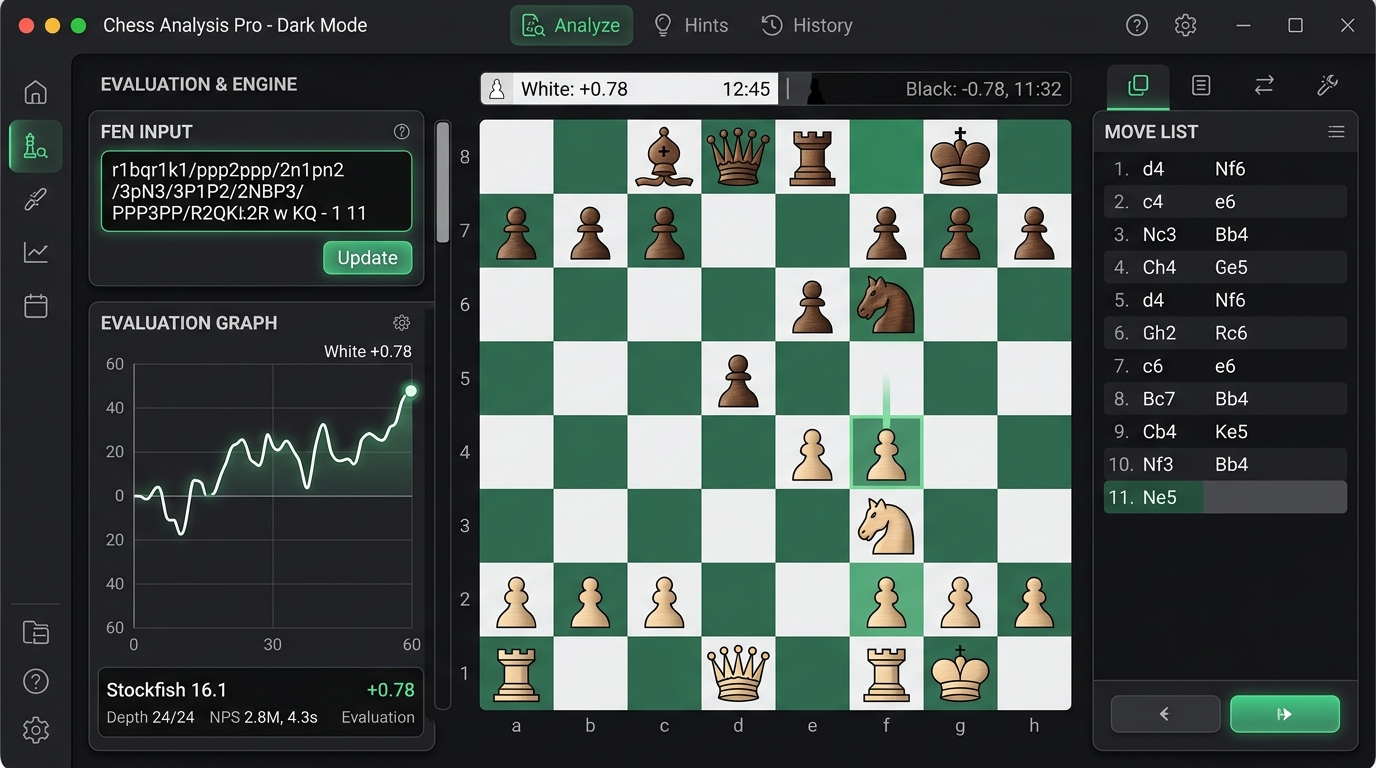
Copy FEN & Open Analysis
Copy the detected FEN string or open it directly on lichess Analysis ↗ or Chess.com Analysis ↗ for deeper study. Check the side to move and use Switch Turn / Swap sides if needed, and Flip board next to the detected position to view it from the other side.

Never Use for Cheating!
Strict Fair Play Notice: This tool is made strictly for post-game review, puzzle practice, studying books and videos, and over-the-board analysis after the game. Never use engine assistance or external solvers during live games against other players. Fair play is the soul of chess.